The official downloads are Windows, Android and Linux. What exists for Mac is a community port of a fork, last released years ago, and the App Store has never carried anything at all.
WindowsAndroidLinux
Then
So you assemble one yourself
A container for the engine, a port mapped to localhost, a player pointed at an HTTP address you type out by hand. And a container you have to remember to start before you can watch anything.
~ $dockerrun-d-p6878:6878acestream/engine
And still
And it's never actually finished
Zero peers and a stream that never starts. A player that can't open the address. Full fans and half the battery gone to Rosetta. Then the engine updates, the chain breaks, and you rebuild the whole thing again.
Process Name% CPUEnergy ImpactKindDocker98.4HighIntel (Rosetta)
This is the part where a native app should have existed.
How it works
Paste a link
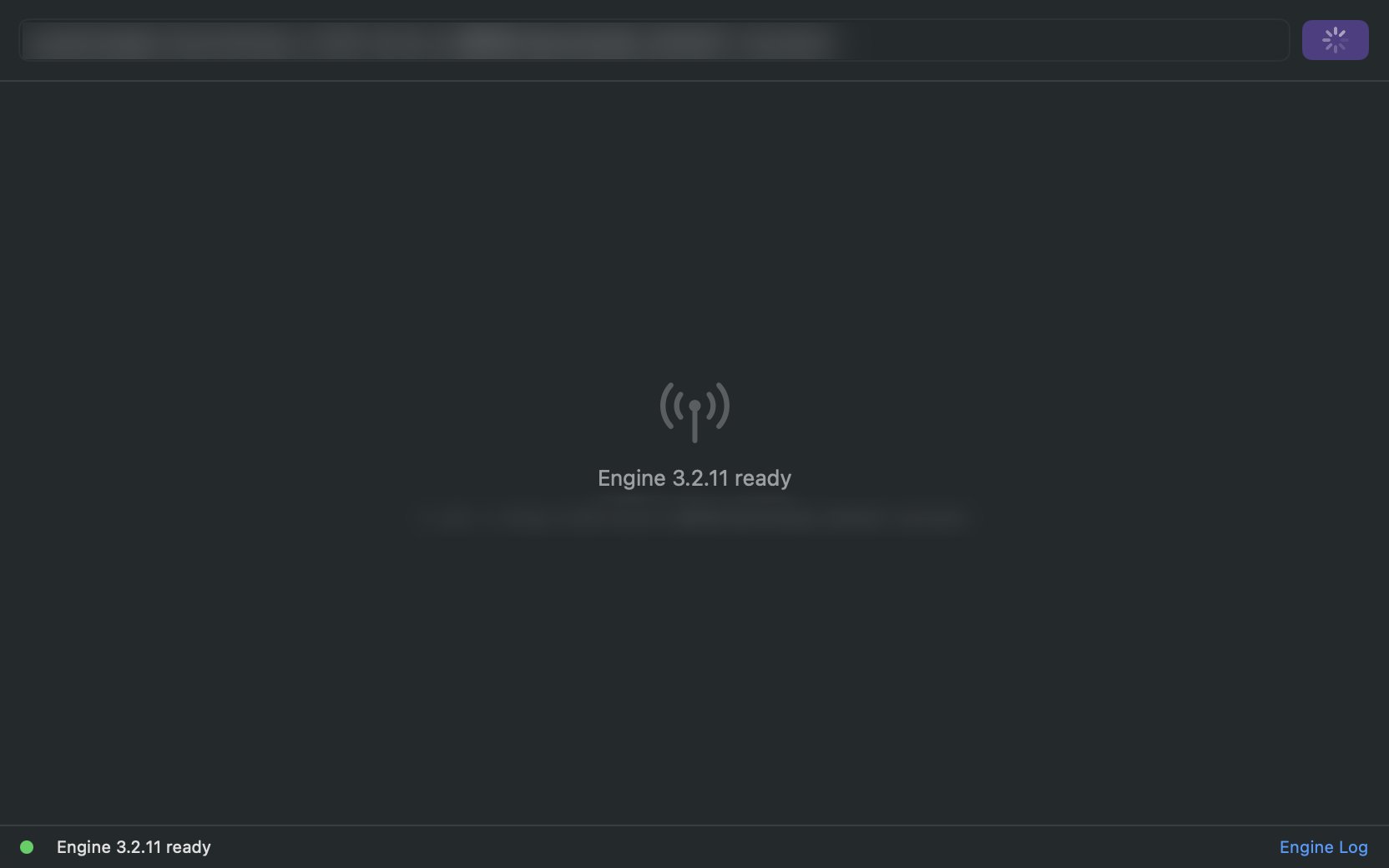
Any Ace Stream link or content ID, from wherever you got it. Paste it into the window and the app resolves it. The engine is already inside the app and everything configured: nothing to launch first, no port to map, no address to assemble.
It just plays and stays working
Playback begins as soon as peers are found. Peer count and buffer stay visible the whole time. Apple Silicon native, decoded on the GPU. The app updates itself, nothing breaks and there's nothing for you to rebuild.
FAQ
Is there an Ace Stream player for Mac?
Yes, this one. It plays Ace Stream links natively on any Mac running macOS 13 or later, Apple Silicon or Intel.
Do I need to install anything else?
No, you don't need to install anything else.
Does it run natively on Apple Silicon?
Yes, from the M1 onwards, and on Intel Macs too.
What does it cost?
Nothing. Donations are welcome, not required.
The app updates itself. You won't be rebuilding a container or hunting for a new build — an update arrives, you restart the app, everything still works.
App Store rules don't allow an app to bundle and run a networking engine the way this one does. So it's distributed directly, signed with an Apple Developer ID and notarized by Apple, which is the same trust check the system applies to most Mac software outside the store.
Usually not. If a stream has no peers there is nothing to receive, and no player can fix that. The peer count on screen tells you which situation you're in, which is most of the value of showing it.
Yes. The protocol is peer-to-peer, so while you watch you also send data to other viewers — that's how it works at all. Upload is roughly comparable to download during playback.
Peers34↓5.8 Mbps↑4.1 MbpsBuffer12s
Not about what you play. There is no account. Links, playlists and history stay on your Mac, and nothing you open is visible to me. The app phones home for two things: checking whether a new version exists, and anonymous usage analytics — which buttons get clicked, not what you play.
There's no catch. No account, no ads, no trial that expires. I wanted a native player for my own Mac and there wasn't one, so I built it. The app is signed and notarized by Apple, which costs me $99 a year; donations cover that certificate and the hosting. If it saves you an evening, there's a donate link at the bottom of the page. Nothing in the app changes whether you use it or not.
Streamweave is a media player. It ships no content, no catalogue and no index, and it is not affiliated with or endorsed by the developers of Ace Stream. You choose what to open, and you are responsible for having the right to watch it.
Download Streamweave
Free, no account, no trial. Drag it to Applications, paste a link, and it plays.
The app is free and stays free. It does cost something to keep signed and online, though, and that comes out of my pocket. If it saved you an evening, this is where to chip in.